Every widget
Pick the numbers you check most.
Shown with sample data. A good starter set: Health Score for the headline, Recovery Actions for the day, and Hydration so you can log water from the Home Screen.
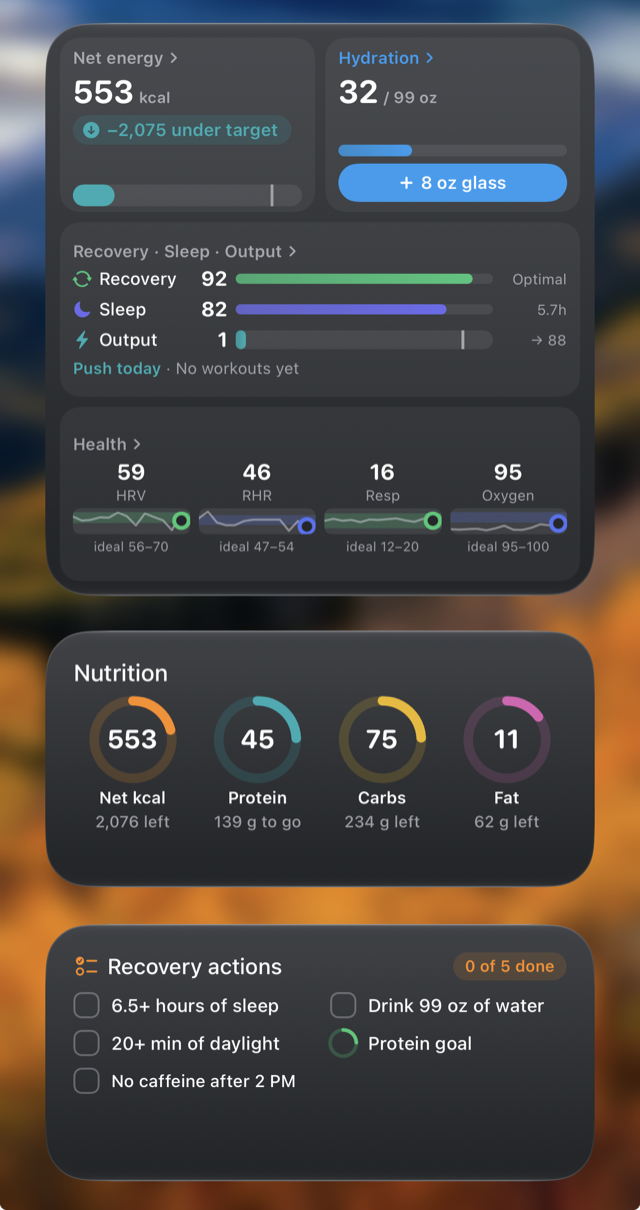
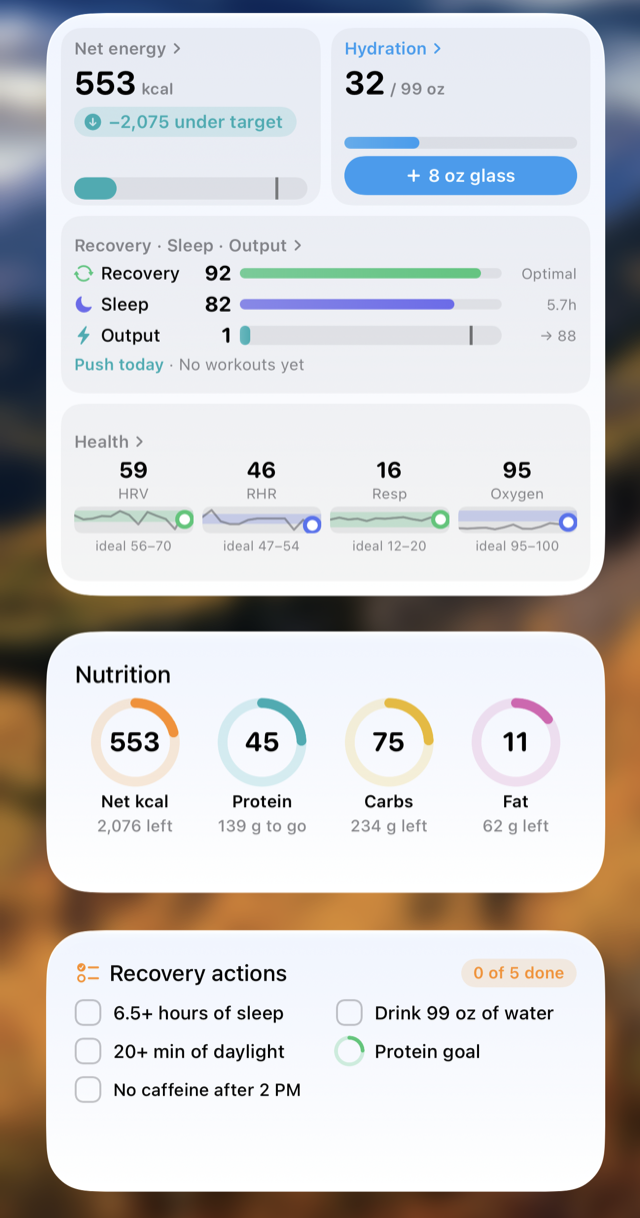
14 widgets, plus Lock Screen versions, put your scores, nutrition and recovery on the Home Screen and Lock Screen. Pick the ones you check most.
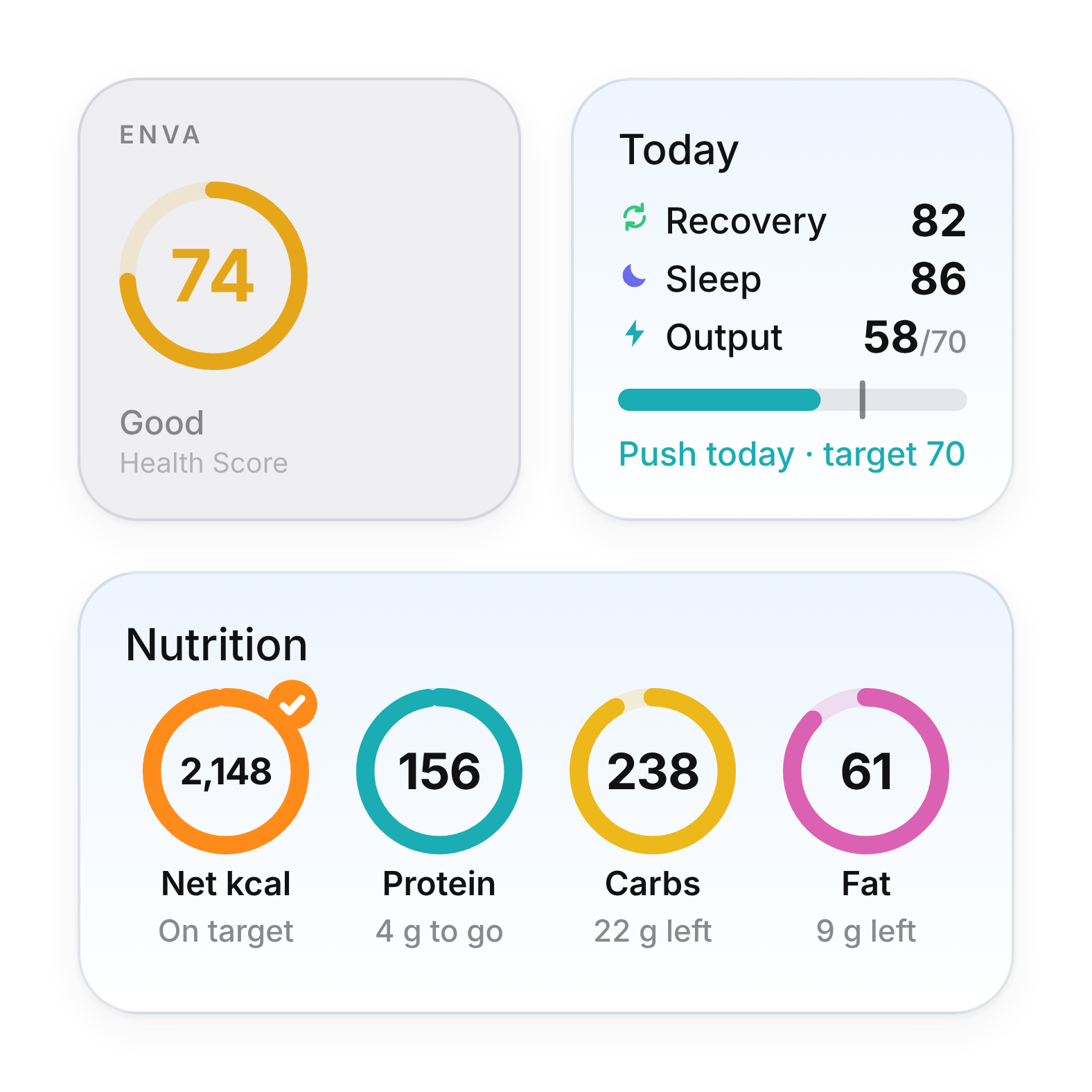
Shown with sample data. A good starter set: Health Score for the headline, Recovery Actions for the day, and Hydration so you can log water from the Home Screen.
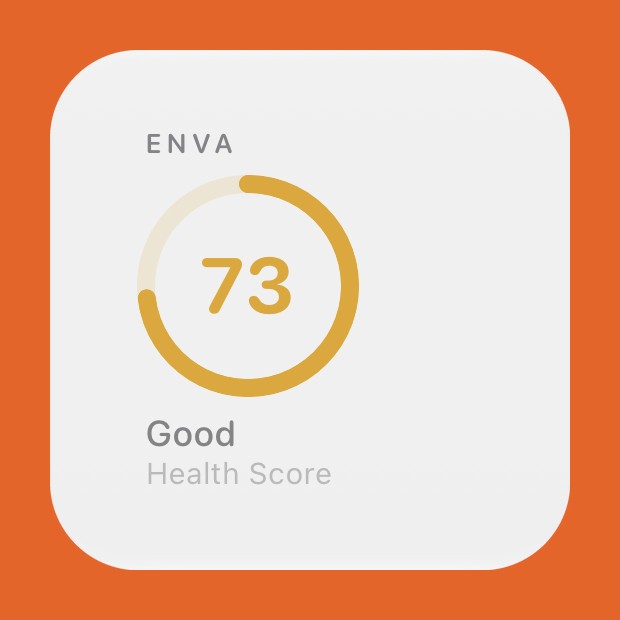
Your daily Enva Health Score at a glance.
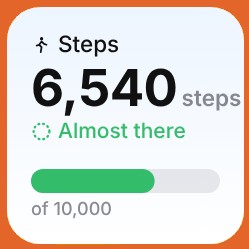
Any single number you choose: a vital, steps, net calories, protein, carbs or fat. Press and hold, then Edit Widget, to change it.
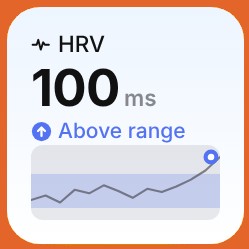
Heart rate variability against your own range, with the last two weeks behind it.
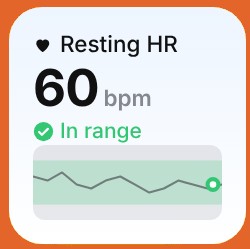
Resting heart rate against your own range, with the last two weeks behind it.
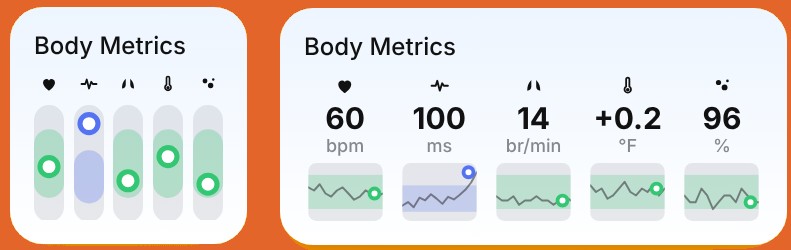
Your vitals side by side, each against your own range. You choose which ones.
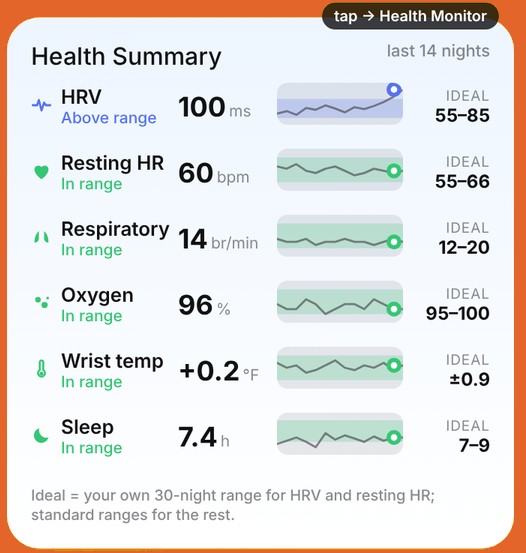
HRV, resting heart rate, breathing, oxygen, wrist temperature and sleep, each against its ideal range. Tap to open the Health Monitor.
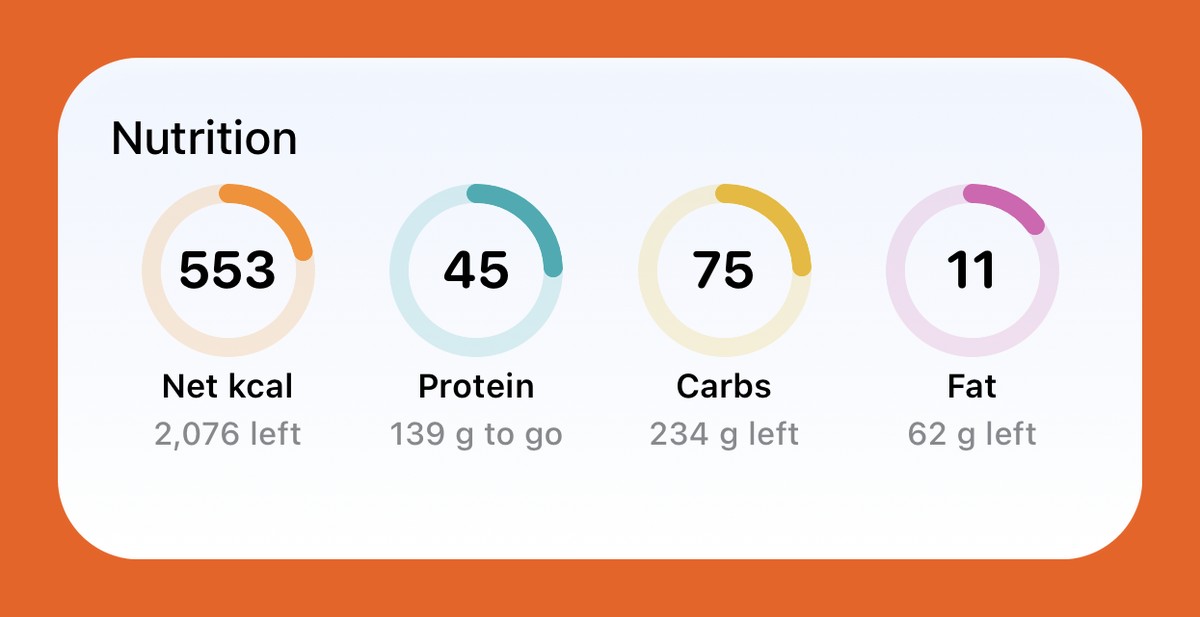
Net calories, protein, carbs and fat as dials. Protein fills toward its goal. Calories, carbs and fat show when they pass their targets.
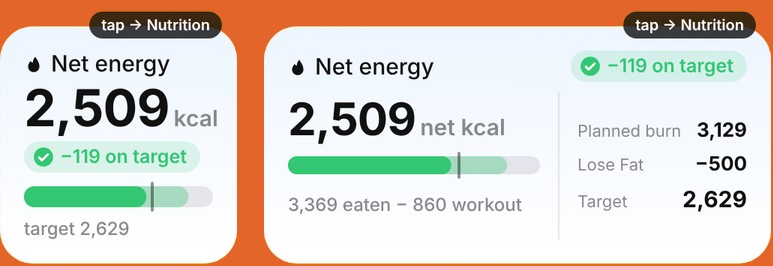
Calories eaten minus today's workouts, against your target. The wide one adds your planned burn.
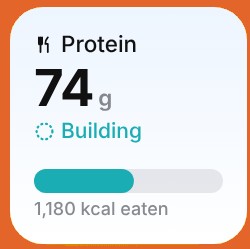
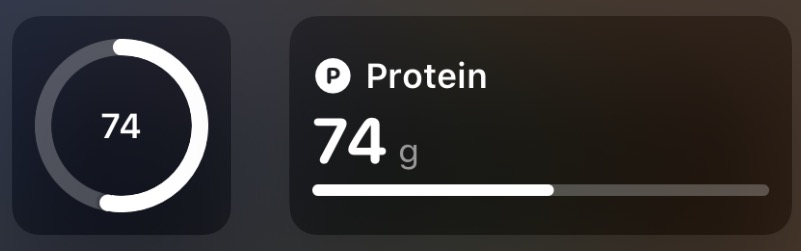
Today's protein, filling toward your goal.
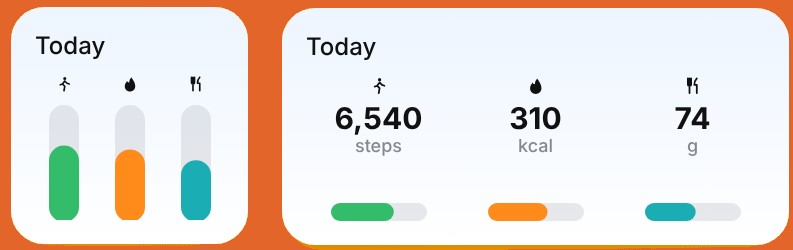
Steps, net calories and protein, progress you can still add to. Mix in any metric you like.
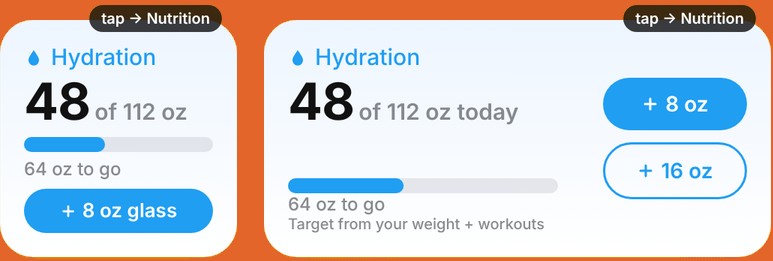
Today's water against your target. Tap a button to log a glass without opening the app.
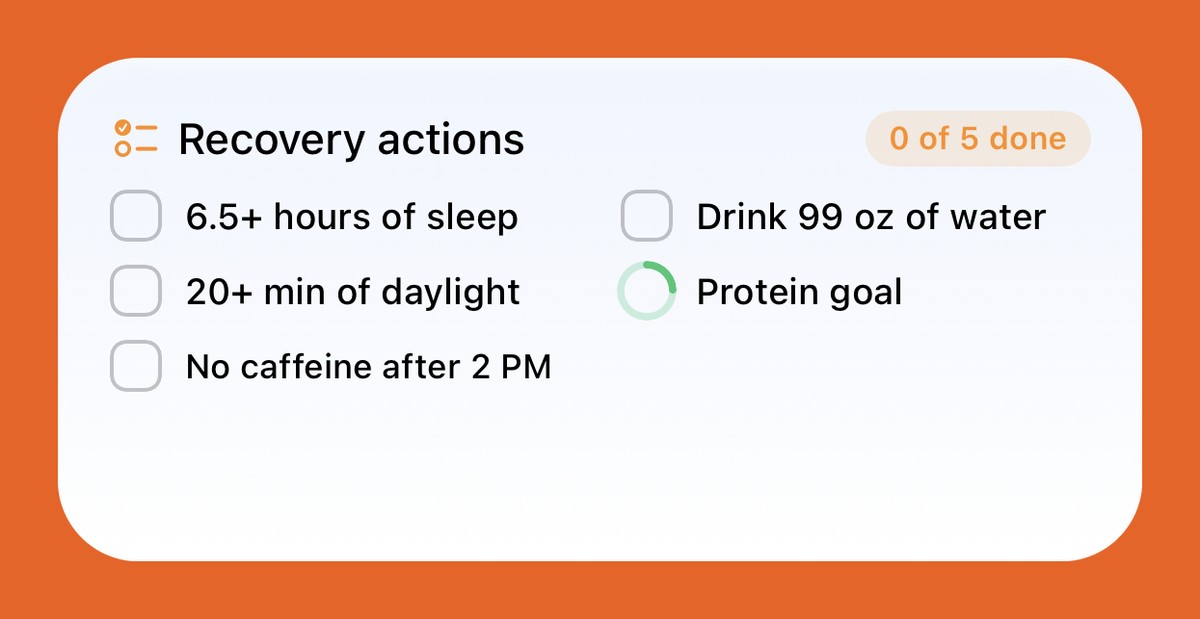
Today's recovery checklist. Tap a box to tick off the ones that are up to you, like caffeine cut-off, daylight, sleep and water. Items with a ring check themselves.
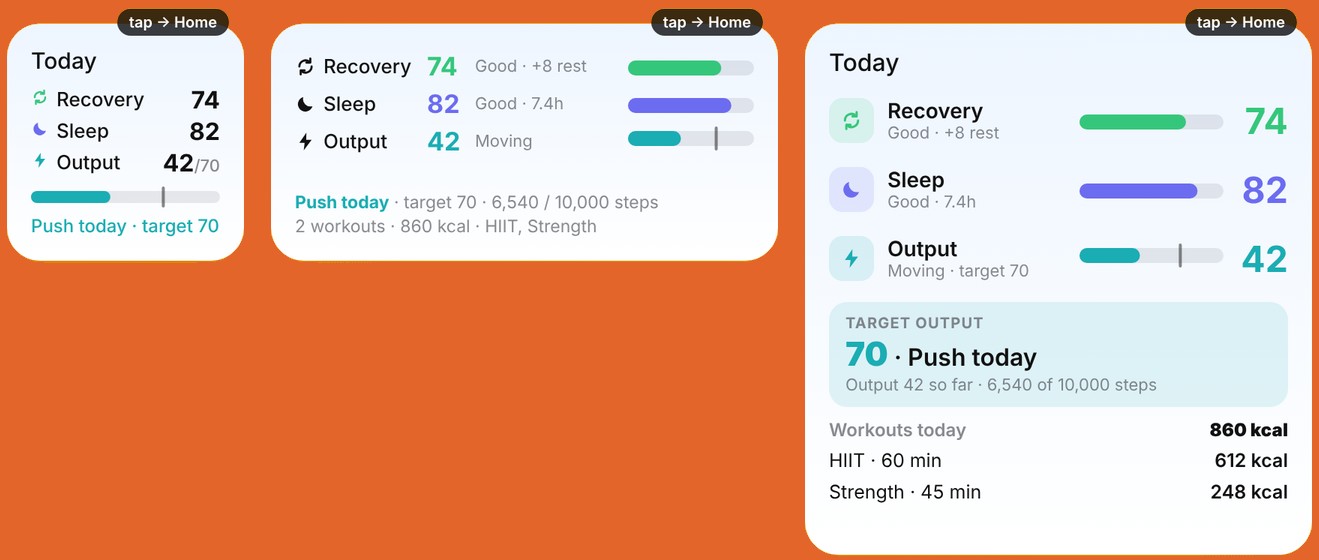
Recovery, sleep and output in one table, with the output to aim for today. The large one adds your workouts.
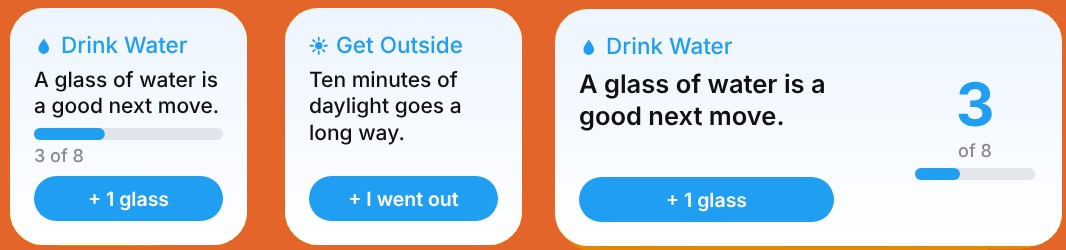
A friendly nudge you can check off, like drink water, get outside or stretch.
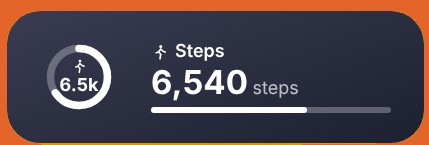
Any single number you choose, as a ring or a bar. Press and hold, then Edit Widget, to change it.
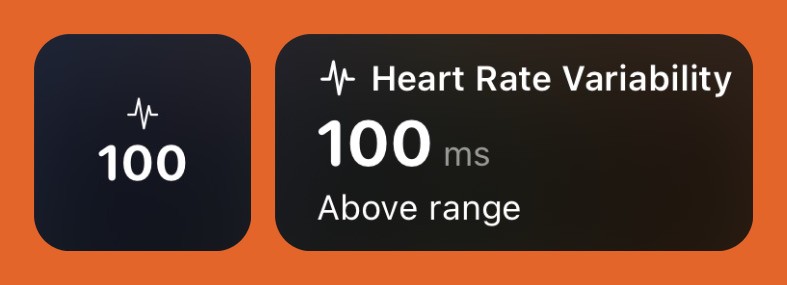
Heart rate variability against your own range, as a number or with the label.
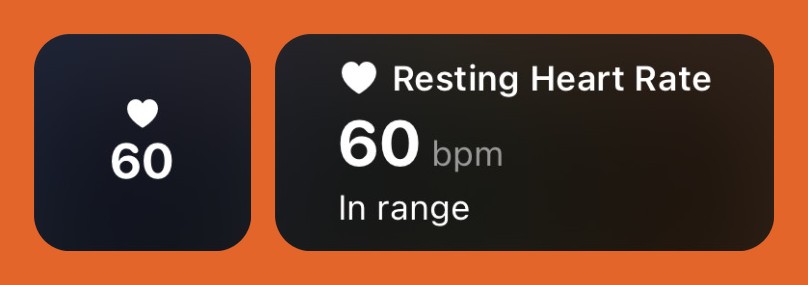
Resting heart rate against your own range, as a number or with the label.
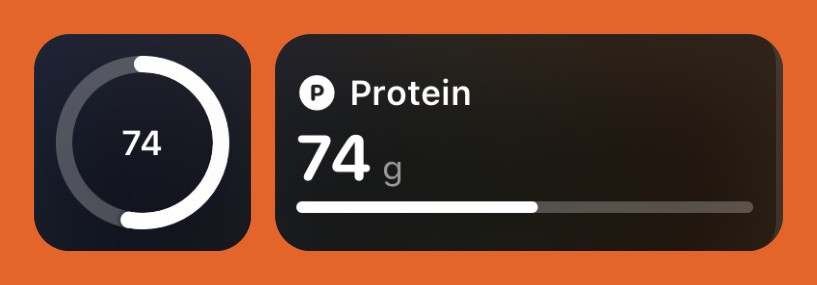
Today's protein, filling toward your goal.
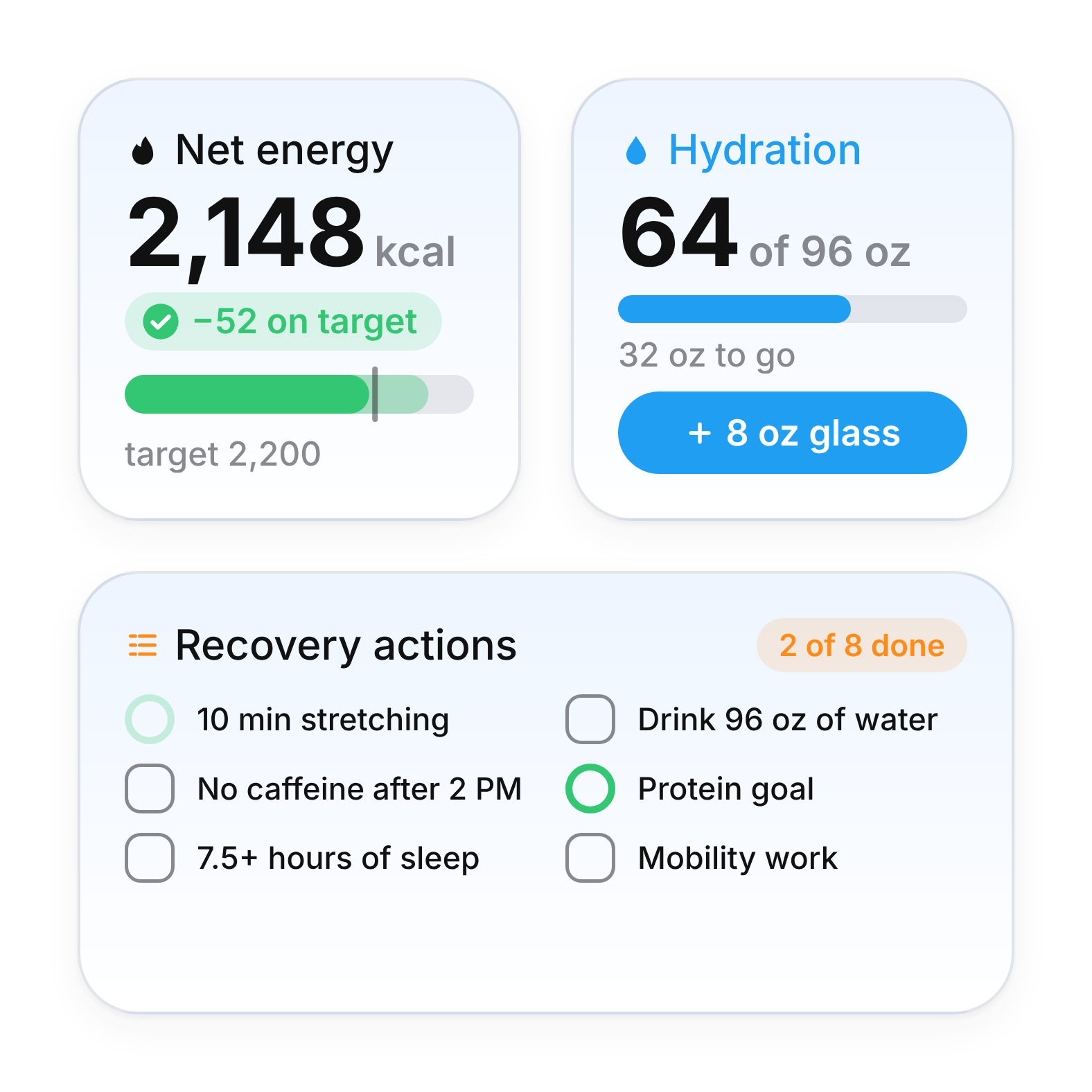
The water button and the recovery checklist work right on the widget. Add 8 oz or tick off a habit without opening Enva, and your totals update everywhere.
Circle and rectangle widgets keep one number in view, like resting heart rate, HRV or protein, before you unlock your phone.
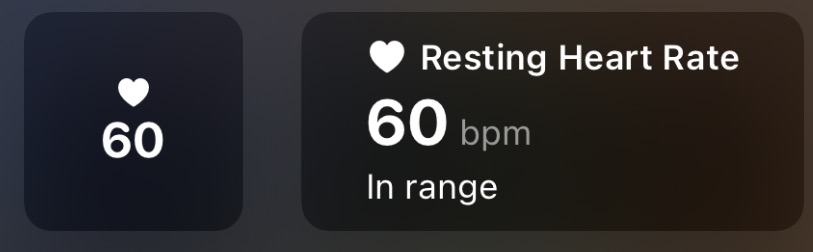
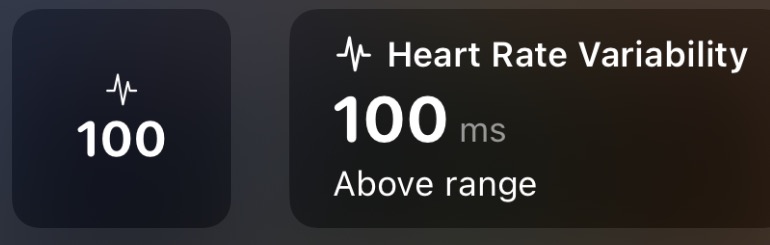
Widgets show the data Enva last synced. If one looks empty, open Enva once and give it a moment.
Join the waitlist and be first to know when Enva launches.
You're on the list. We'll email you before launch.
Coming soon to iPhone and Apple Watch.